Budget
A spiteful build
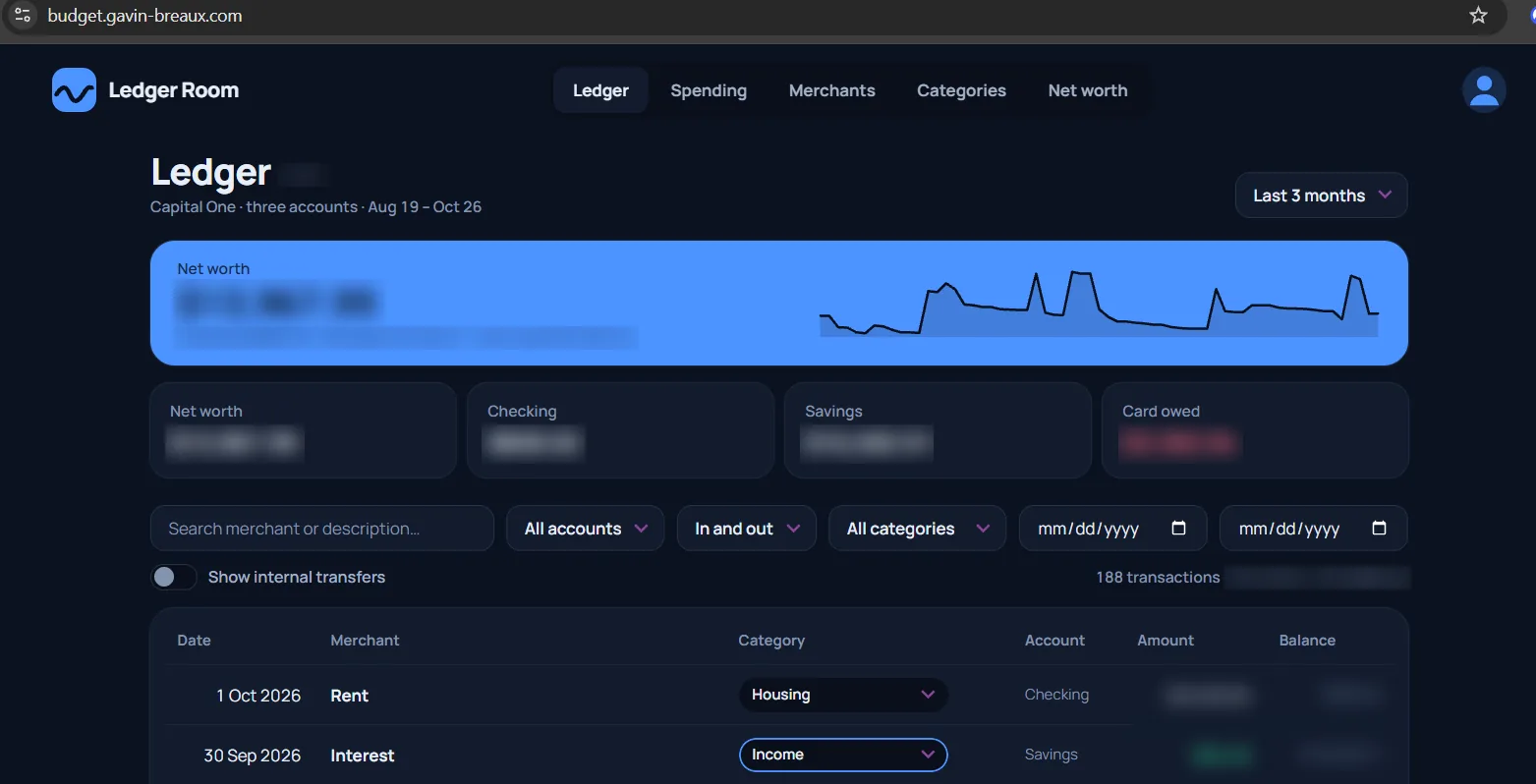
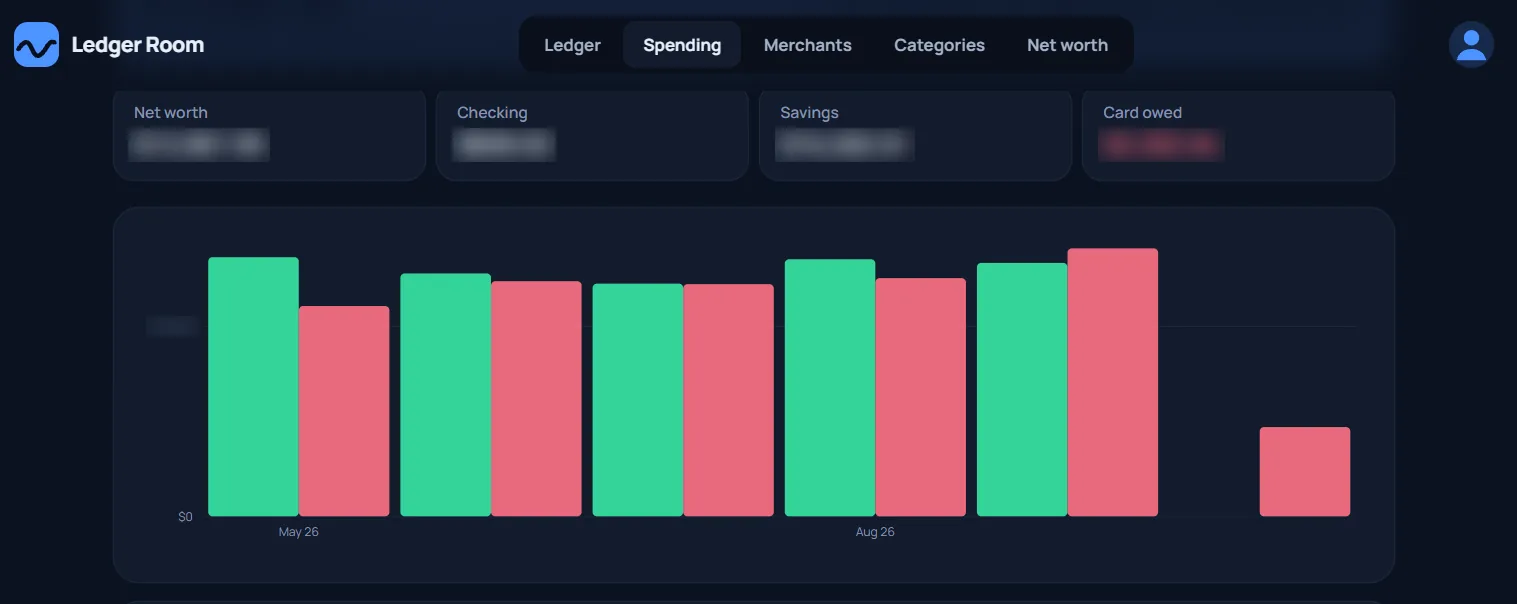
To be honest, I didn't want to build the app. Budget apps are completely overdone, but I could not find an app that fit what I wanted and actually WORKED (that's a why-is-it-so-hard-to-make-an-app-that-doesn't-delete-my-data driven all-caps). So I built a budgeting web app reaching back 4 years across a checking and savings account, and a credit card, usable from a phone or a PC, with passkey authentication. I built it with Claude Code, so most of the work was proving that it works.
Decisions, decisions
Here are some of the more important decisions made in the project. The first problem was the initial import path (CSV exports, then PDF statements) that loaded the history. The historical data was buried in old bank statements with only short-term export options, so step 1 was to gather it all. Once all of it was gathered I switched to SimpleFIN only, so those entries are kept as history.
- The database is the source of truth, not the statements or CSV exports. The first design kept CSV files authoritative with a local pandas pipeline. That can't run from a phone, and that makes a dissapointing budget app.
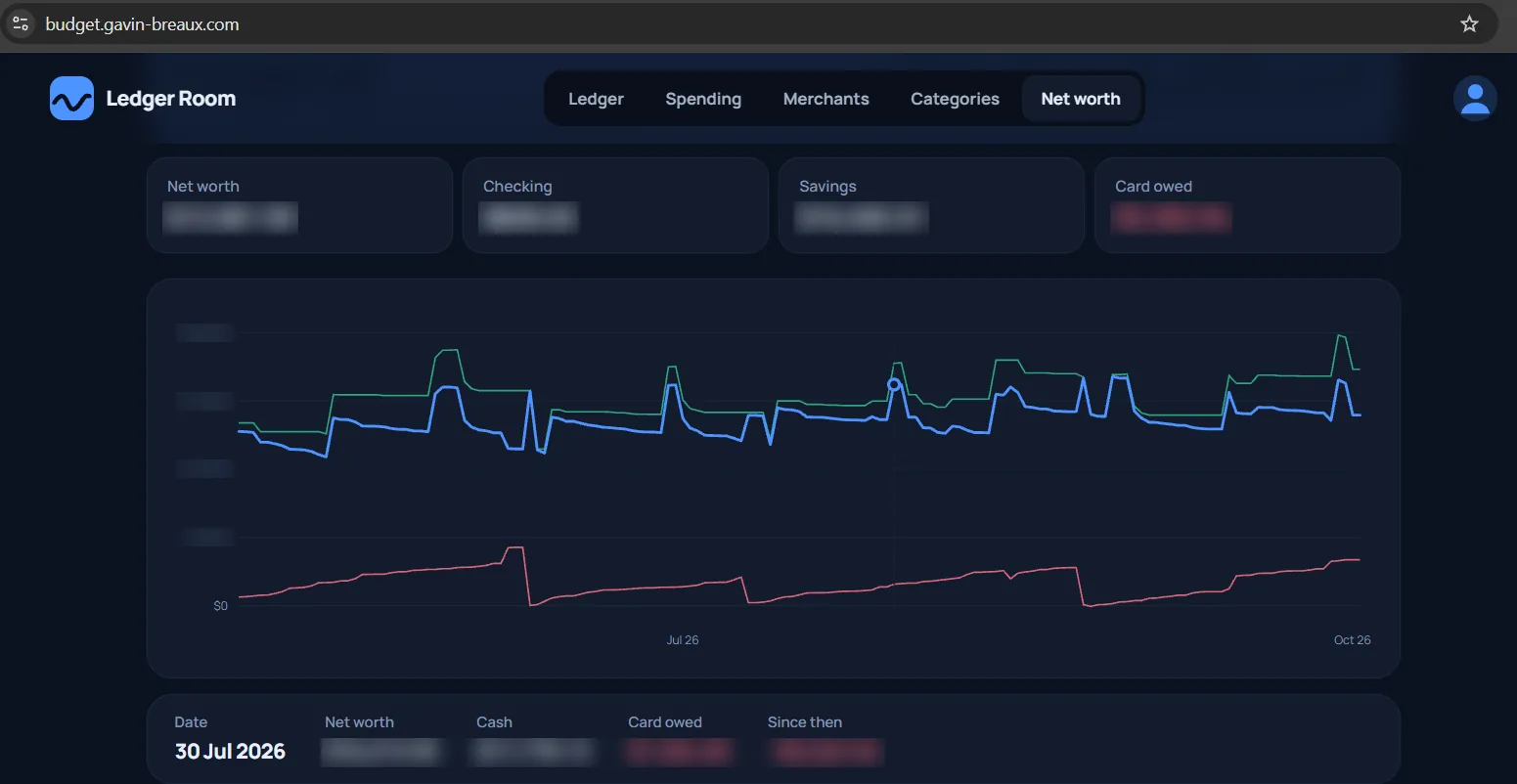
- Every row comes from the bank. There is no manual entry path. Net worth matches the bank-reported balances and there's no duplicate risk. This simplifies verification and makes sense in modern banking.
- The unique hash needed to handle true duplicates. A transaction's identity is a hash of its content. Unexpectantly, a counter was needed to make it unique in the case of multiple, true-identical transactions. (Maybe I changed my mind about how many donuts I wanted!) Otherwise, the second was dropped as a duplicate. This surprisingly happened eight times in the real data.
- Borrowed auth, unique credentials The auth code was borrowed from other apps that shared the auth code and the credentials. But the tricks that let other sibling apps share passkeys was deliberately not copied. This meant separate session secrets and no domain attribute to share passkeys with sibling apps.
- Starting with real phone layouts Instead of trying to make one layout and style work on PC and mobile, I started them separate. At phone size the transaction table becomes a stack of cards, with the same cells shuffled around on a CSS grid. Same markup, still a table to a screen reader, and 2 good-looking, unique layouts.
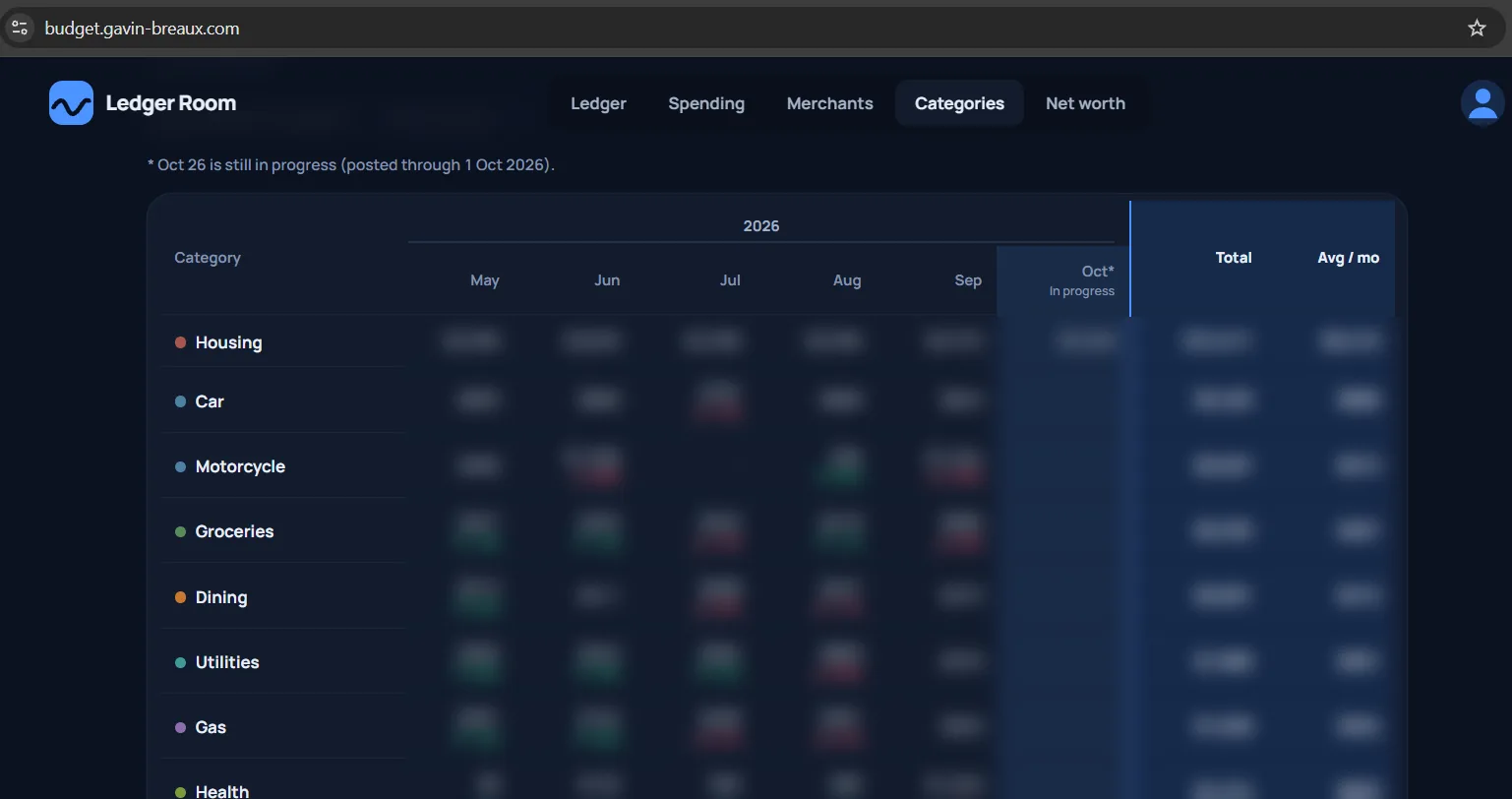
- Categories are looked up when you read, not saved on each row. A category is set on the merchant, not the transaction. The logic looks for manual override then the merchant category. Changing categories is then a single update.
Maintaining Consistent Tests and Documentation On a Changing Project
Developing with AI assistance changes the source of issues. Bad or outdated documentation is often caught by a human when they go to modify that part of the code, but AI is happy to write code consistent with bad documentation. Having the right tests feels good enough, but written wrong they surprisingly eat up a lot of dev time.
- Changing scope equals changing tests The project started with a plan of manual imports and a focus of verifying historical data, so tests were initially written around known figures. But the issues quicky transitioned to focus on duplicates, overwriting, and other live-update quirks once it was decided to use automatic bank sync. The static tests made sense early on, but had to be mostly abandoned in exchange for dynamic figuring.
- Slight changes = consistency/documentation breakdown As the project changed shape, the UI bended to it's crazed will. But it wasn't the big changes that caused trouble. A few tab names were changed slightly at one iteration, but were not updated uniformly across the code. In another iteration, the function of the tab drifted farther, but of course the names still weren't updated across the code. Within a couple minor revisions of the UI, the newly named "Merchants" tab was still being called "Where it goes" in other parts of the code. While it didn't cause a major issue, after a few chat rounds with Claude, it noticed it was overlooking other parts of the code that were still using the old name. Some people think AI reduces the need for good documentation, but in some cases the AI needs better documentation than you do.
- A comment for code that didn't exist A comment claimed rollback restored the previous "anchor balance". That code (and that behavior in general) had been abandoned several iterations ago and Claude spent a few rounds writing code based on a transaction date anchor that no longer existed.
Two paths that must agree
The same numbers are checked twice, by two scripts that share no code. If they ever disagree, something is wrong.
- Database path. Reads the database directly and calculates the totals and balances from the rows.
- API path. Asks the app for the same figures through its web API, the way the UI does, and confirms they match what the database queries found.
- Why two. A check can be wrong in a way that still passes. Having a second one built a different way means a mistake has to slip by both.
Built with an AI assistant
This project was built with Claude Code, and that shaped what I spent my attention on. Creating code is fast, so the real job now is knowing whether it's right, which is why the verification checks, balance requirements, and a habit of reproducing an agent's findings before accepting them (or worse, writing code on them) is the new coding.
Where it stands
The app is in daily use. The history came in through CSV and PDF statement imports. Once all of it was stored in the database, I switched to SimpleFIN only, and a scheduled job now syncs new transactions each morning. At this point, the app's developments are improving the UI and visualizing the data I really wanna see.